> 32*27
[1] 864Session 1: How can I do math?
A Slower Introduction to R
Yea-Hung Chen, PhD, MS
UCSF Library
Friday, October 2, 2026
RStudio’s panes
RStudio’s panes
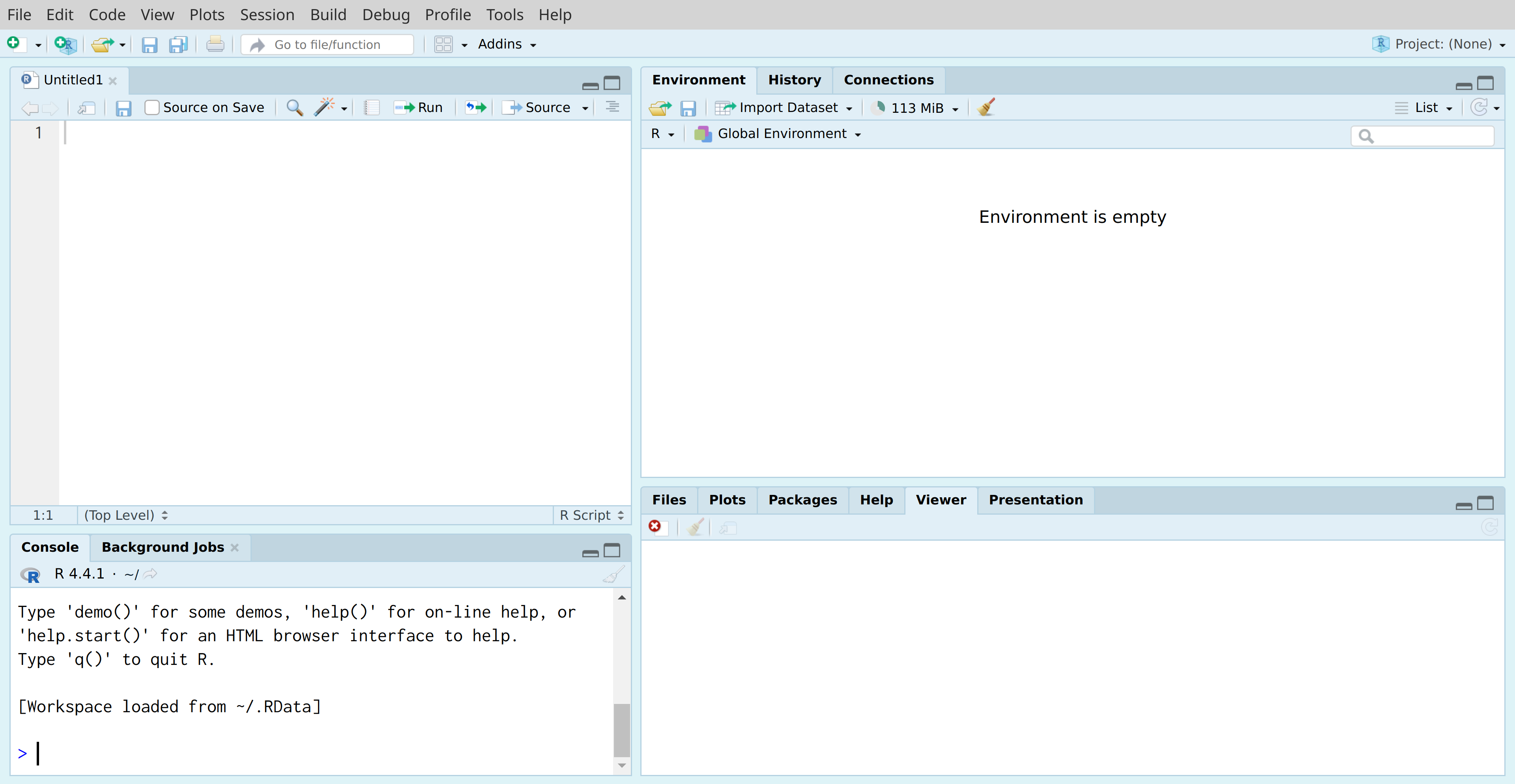
The console
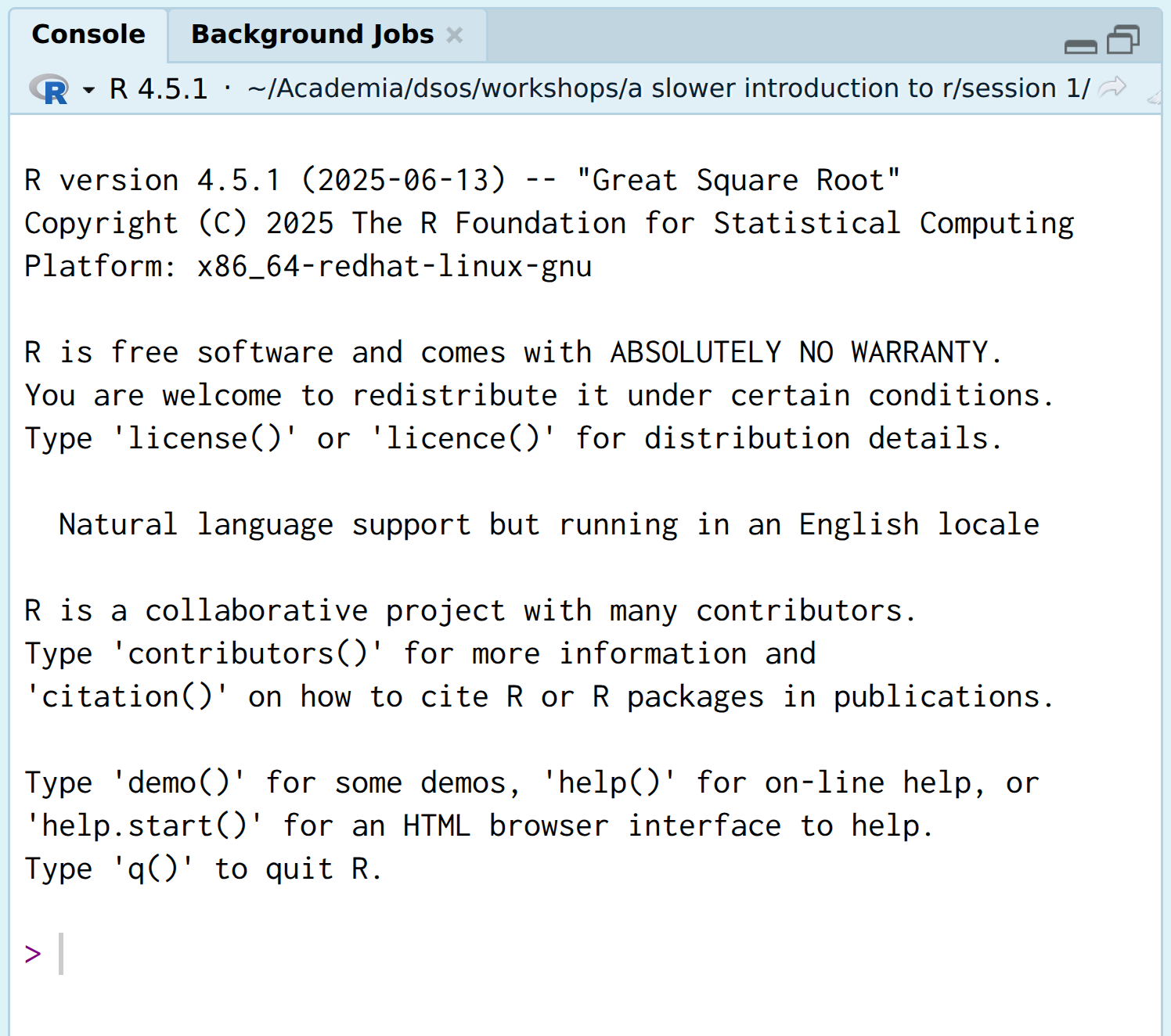
>) is called a prompt (“it’s your turn”), and is a space for you to write messages to your computer.The console is like a message thread
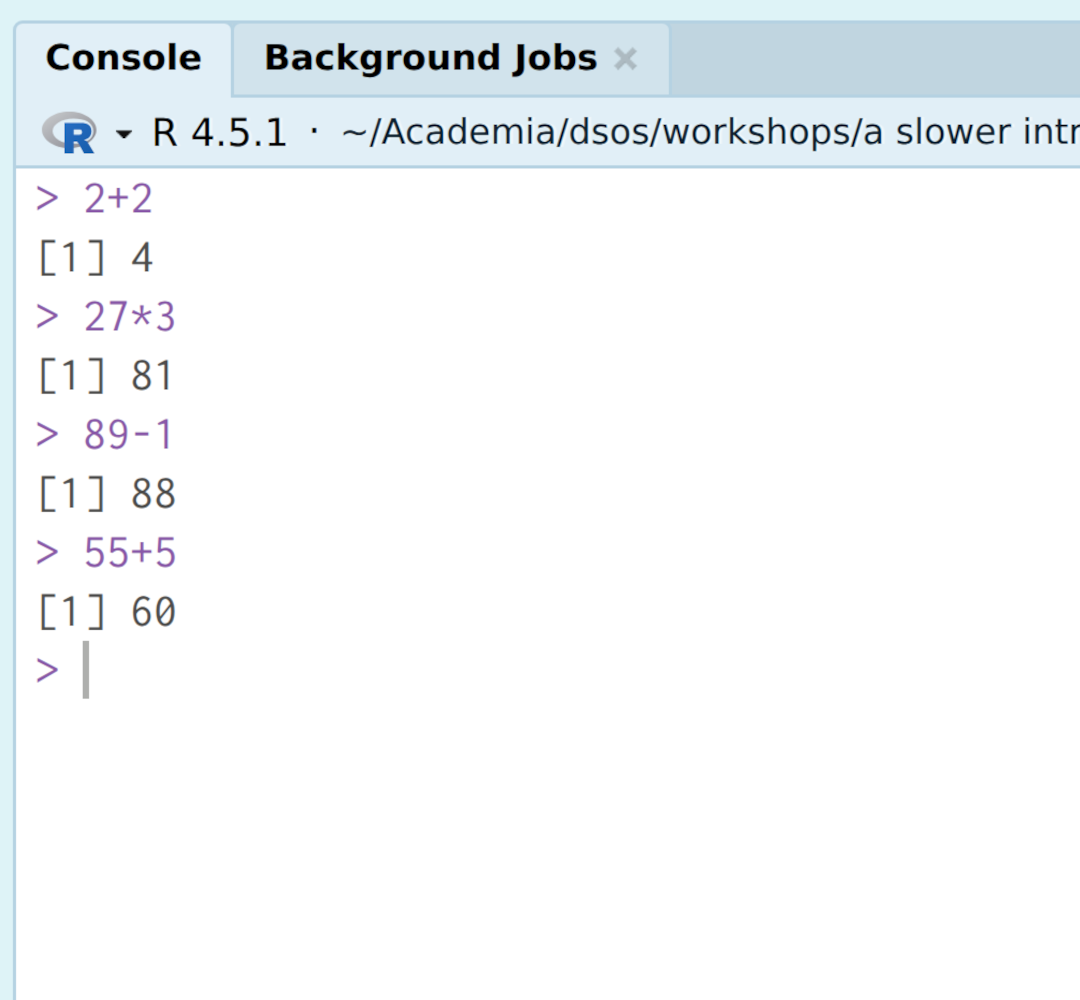
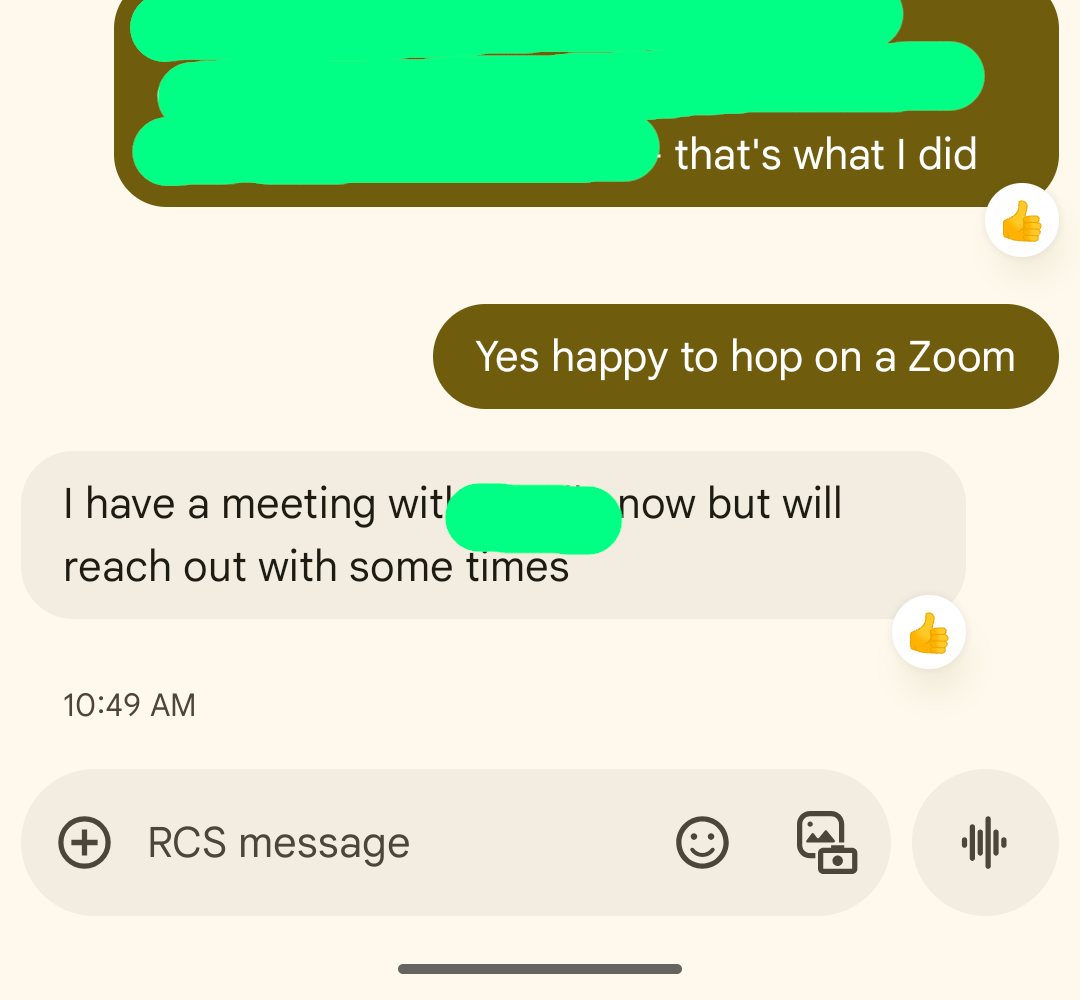
The console is like a message thread
- code = messages you write to your computer
- output = messages you receive from your computer
R versus RStudio
- roughly speaking, you can think of R as being the console
- RStudio is the other panes and other features
RStudio’s panes
RStudio’s panes
- you can rearrange the panes if you wish: Tools > Global Options > Pane Layout
Exercise 1
Exercise 1
- What is a common term for the
>symbol in the R console? - Does the term “output” refer to messages you write to your computer, or to messages your computer writes to you?
- How many panes are there in RStudio?
Mathematical operators
Math
- what is 32 plus 27?
Math in R
- what is 32 times 27?
- we can find the solution using the R console:
- the asterisk (
*) indicates multiplication - it is an example of a mathematical operator
Mathematical operators
^for exponentiation*for multiplication/for division+for addition-for subtraction
Parentheses
- we can combine operators using parentheses:
Order of operations
- your computer will use the standard operator of operations, known as PEMDAS in the United States (or BODMAS in the United Kingdom)
Example: an average
- suppose that Bob has his systolic blood pressure measured twice
- first measurement = 125 mmHg
- second measurement = 132 mmHg
- what was his average measurement of systolic blood pressure?
Example: the area of a circle
- a circle has a radius of 2.15 feet
- what is the area of the circle?
piis a special value that is built in to R
Spaces
- it is fine to include spaces
- doing so may help improve readability
- in fact, many people suggest including spaces before and after mathematical operators, as I’ll mention in Session 3
Extra parentheses
- it is fine to include extra parentheses
- doing so may help improve readability
Leading zeros
- for numbers between -1 and 1, you do not need to include a zero before the decimal point:
- but, including it may help improve readability
Exercise 2
Exercise 2
- Type,
3-in the console and press the returnreturn or enterenter key on your keyboard. Press returnreturn or enterenter again and again and again. Notice that the console is displaying a+sign rather than the usual>symbol. The+sign indicates that your computer thinks you’re not done with your instruction. It’s occurring here because3-suggests an incomplete instruction to do subtraction. To complete the instruction, type in any number (for example,19). You should see the prompt again.
Exercise 2
- Type
3-in the console again and press the returnreturn or enterenter key on your keyboard. Press returnreturn or enterenter again and again and again. Notice the+signs. This time, press escesc on your keyboard to cancel the instruction. You should see the prompt again.
Exercise 2
- Suppose that there are three siblings, with heights of 5’ 3”, 5’ 8”, and 5’ 6”. Find the average height of the siblings, in inches, by adding the three heights and dividing by 3. Try to do this all in one line, without using any mental math.
Mathematical functions
Example: square root
- what is the square root of 81?
sqrt: the name of an R function (more on this in a moment), indicating that we want to take the square root of a number- the parentheses: a space to put the number in
81: the number we want the square root of
What are functions?
- you can think of functions as specific requests
- with the
sqrt()function, the request is, conceptually: “hi computer, find the square root of this number, or this set of numbers”
What are functions?
- R comes with many built-in functions
- packages also include functions
- it is possible to write your own functions
How do I use functions?
- when using functions in R, you must include both parentheses
- like passwords, functions are case sensitive
- for example,
elephant≠ELEphaNT
- for example,
Some mathematical functions
sqrt()for square rootsabs()for absolute valuesexp()for powers of \(e\)
Examples
Exercise 3
Exercise 3
- Thinking about pattern recognition, what do you notice as differences between mathematical operators and mathematical functions?
Object assignment
Example: cancer prevalence
- suppose that you work at the Ministry of Health for a specific country
- for the country’s annual report, you will calculate the prevalence of several types of cancer among adult women
Example: cancer prevalence
- you will use the following data:
- your country has 27,113,508 adult women
- 12,312 people in the country are living with breast cancer
- 9,120 people in the country are living with cervical cancer
- you will report the prevalence per 100,000 adult women (
10^5)
Example: cancer prevalence
- this code is correct, but:
- it is tedious to type
27113508twice - typing
27113508twice introduces the possibility of human error - the estimated population size might later change
- it is tedious to type
- a solution is to store the number 💡
Storing the number
27113508: a number I want to store<-: a left arrow, indicating that I want to store the numberpopsize: a name that I picked that I can use to refer to the number
The jar analogy
27113508: what I want to put in a jar 🫘<-: the action of putting something in a jar ⤵️ 🫙popsize: a label that I place on the jar 🏷️
The jar analogy
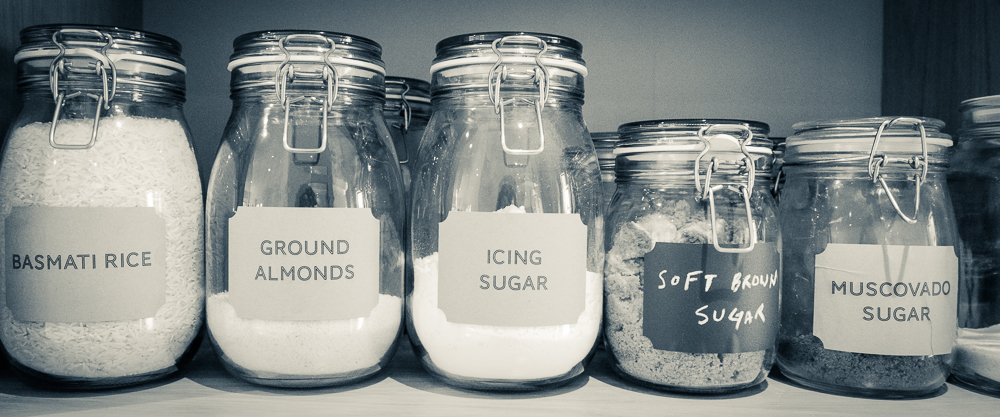
Terminology
- the “jar” (
popsizein this example) is known as an object - the process of putting something in a jar is known as object assignment
Object names
- try to use descriptive object names
Object names
- object names are case sensitive
- object names should begin with a letter
- object names can include
_or.
Object retrieval
Math with objects
- this is, admittedly, still a little tedious, but:
- it removes the necessity of memorizing the population size
- it reduces the likelihood of human error
- it removes the necessity of memorizing the population size
Can I use the equal sign instead?
- yes:
- I never use the equal sign for object assignment, for a couple reasons
- but you can if you want to!
Can I replace objects?
- yes, and notice that your computer will not warn you about it:
What’s so great about object assignment?
- object assignment is very powerful:
- for example, you can use it to clean data
- for example, you can use it to store regression models
- next week, we will use object assignment to load a data file into R
Exercise 4
Exercise 4
A common upper threshold for “optimal” LDL cholesterol is 100 mg/dL. Store this value using object assignment, giving the object some arbitrary name, like
LDL.cutorldl_optimal_upper.Retrieve the object at the console, to verify that the object assignment worked.
Use the object you defined to calculate how much higher a measurement of 162 mg/dL is than the optimal threshold.